Digital tools enablement for internal teams
Bite-sized training, practical documentation and hands-on support across the internal tool stack
At FourthRev, I helped internal teams use the organisation's digital tools through bite-sized training, practical how-to documentation, troubleshooting, and 1:1 or small-group support.
Project overview
This was ongoing, responsive enablement rather than a formal training programme. I designed and built a bite-sized Canvas LMS knowledge base for new and existing staff, created how-to guidance across tools including BugHerd, Wistia, H5P, Canvas, Circle, and Claude, and helped colleagues work through platform questions as they arose.
The work supported new-starter onboarding, refresher learning, and colleagues taking on new responsibilities. It also created shared reference points for recurring questions that would otherwise depend on individual members of the Learning Technology team.
Key features & outcomes
- Designed and built a bite-sized Canvas LMS knowledge base for new and existing staff
- Created practical how-to articles across the organisation's digital tool stack
- Developed team-specific guidance for emerging tools and workflows, including Claude
- Provided 1:1 and small-group walkthroughs when documentation alone was not enough
- Researched platform capabilities and limitations to help colleagues troubleshoot unfamiliar or complex requests
FourthRev's internal teams worked across several digital platforms, often with different levels of confidence and experience. Staff turnover and changing responsibilities meant new colleagues needed help getting started, while existing staff sometimes needed refreshers or guidance on unfamiliar processes.
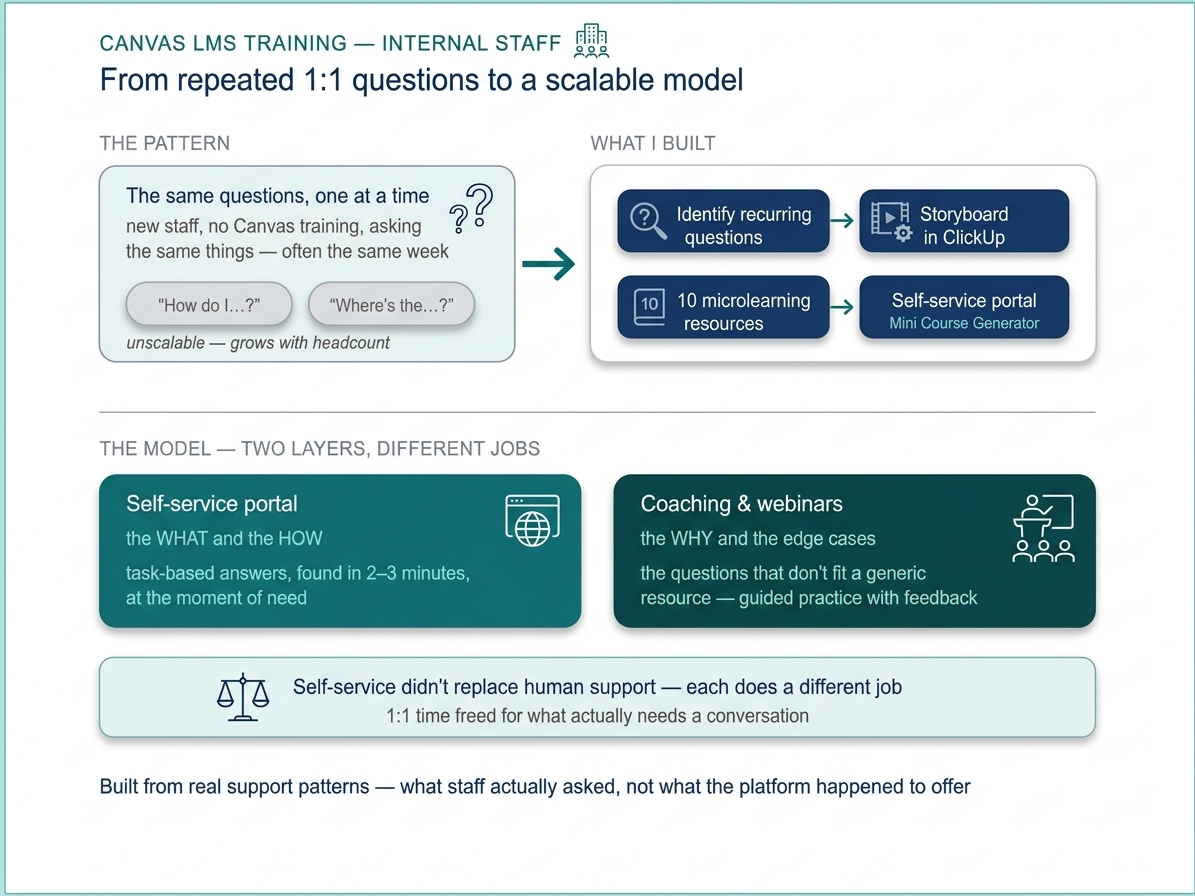
The same questions also reached different members of the Learning Technology team. Some could be answered through simple documentation, while others required platform research, troubleshooting, or a conversation to understand the specific problem.
The challenge was to provide useful support at the point of need while creating shared resources that made specialist knowledge easier to find and reuse.
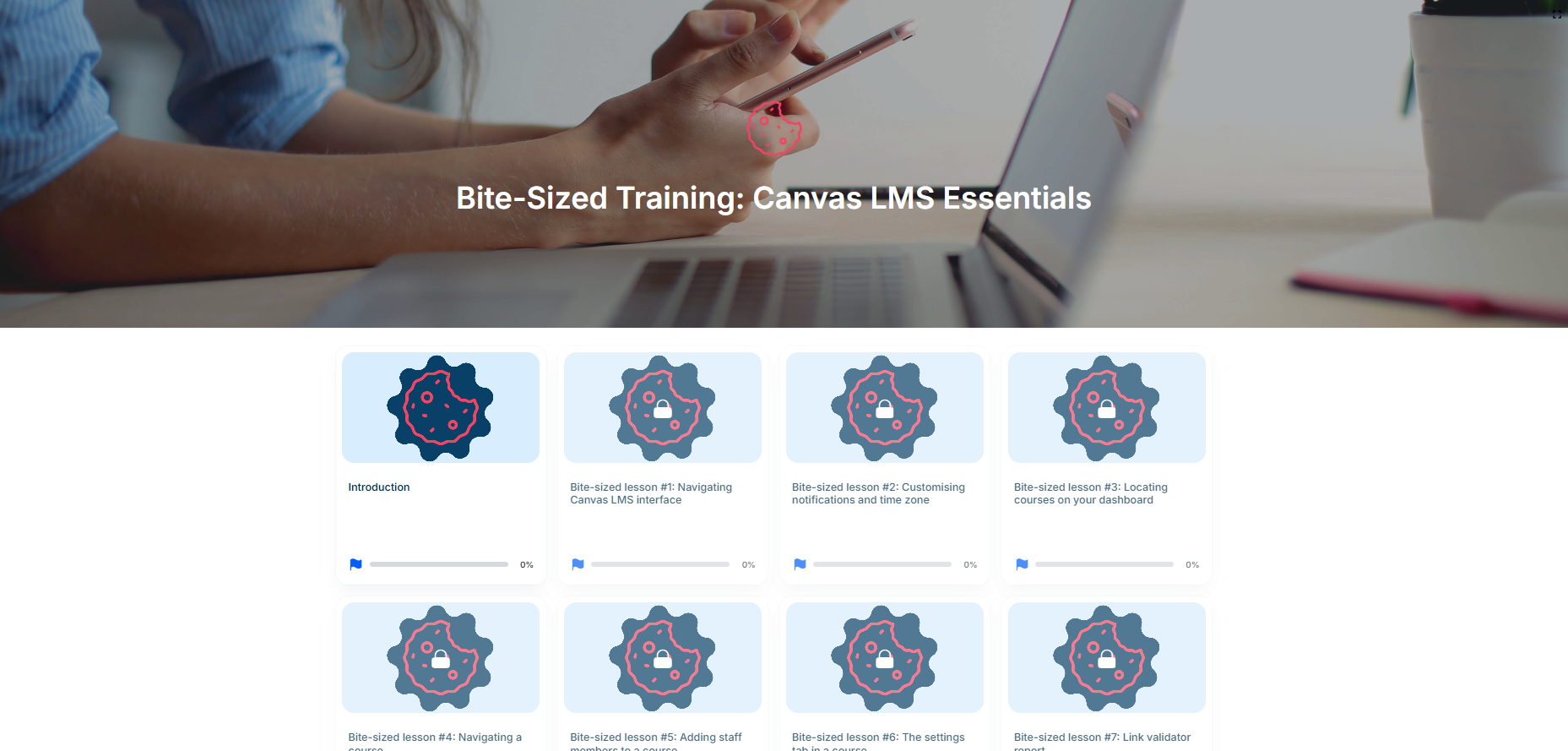
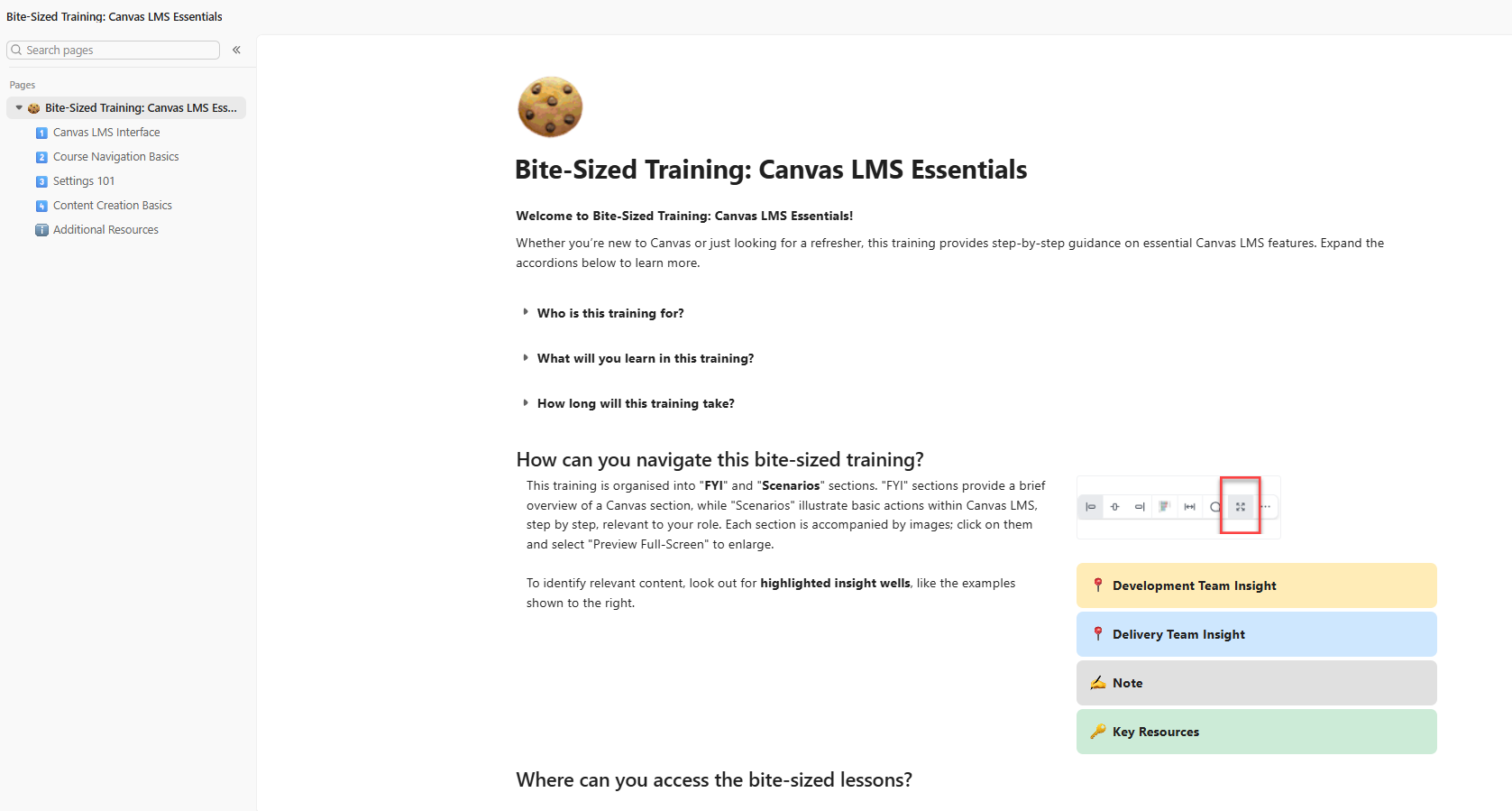
Create a starting point for Canvas. I worked with Learning Technology colleagues to identify ten common areas where staff needed support, then planned, storyboarded, and built a bite-sized Canvas LMS knowledge base in Mini Course Generator. The resource was self-service; my role was content design and development.
Choose the format around the need. Not every question required a course. Depending on the task, I created a short how-to article, documented a process, produced annotated screenshots, investigated a platform issue, or walked colleagues through it in a 1:1 or small-group setting.
Document real internal workflows. I created practical guidance for tools including Canvas, BugHerd, Wistia, H5P, Circle, and Claude. The content focused on the tasks colleagues needed to complete rather than explaining every feature of the platform.
Research before recommending. For less familiar or more complex requests, I investigated the platform's capabilities and limitations before suggesting an approach. This allowed me to translate technical information into practical guidance for non-technical colleagues.
This was responsive work rather than a formal enablement programme. Topics were shaped by immediate requests, recurring questions, and informal feedback from colleagues using the resources.
Enablement is broader than training. A structured knowledge base can provide a useful foundation, but ongoing documentation, troubleshooting, and direct support are still needed as tools, teams, and responsibilities change.
The smallest useful resource is often the best one. A focused how-to article or short walkthrough was often more appropriate than building a complete learning experience around a single task.
Documentation and direct support serve different needs. Self-service guidance works well for repeatable processes. A 1:1 or small-group conversation is more useful when the problem is unclear, unfamiliar, or specific to a team's workflow.